In this article, I’m going to be reviewing the Sound Stick Pro and sharing my honest thoughts after using it on the course for a number of rounds. I’ll also be comparing it to some of the other options on the market, so you’ll know if it’s right for you.
I don’t know about you, but I haven’t always been a fan of music on the course. I’m sure you’ve come across the guys blasting tunes from two fairways over. I’m still not a fan of that.
But playing music that only you can hear? I can get behind that.
What’s even better for casual rounds is not having to carry another device, whether that’s a phone, watch, or rangefinder. Having one thing that acts as a speaker and yardage finder is pretty cool.
Let’s jump into the details and I’ll go over the pros and cons.
THE BOTTOM LINE
The Sound Stick Pro is a really cool device that combines a speaker with a golf GPS. It does have some software improvements to be made, which, if made, would make this one of my favorite golf products.
Pros & Cons
+The speaker sound is great
+Durability and water-resistance is there
+Accuracy is similar to Garmin and Shot Scope
–You need phone data to get GPS numbers
–GPS data can be off by a few yards (applies to all brands)
–Score needs to be kept using phone
–Hazard distances require subscription
Pinned Sound Stick Pro
See Amazon PriceSee Pinned PriceWe earn a commission if you click this link and make a purchase, at no additional cost to you. This does not impact our review.
My First Impressions
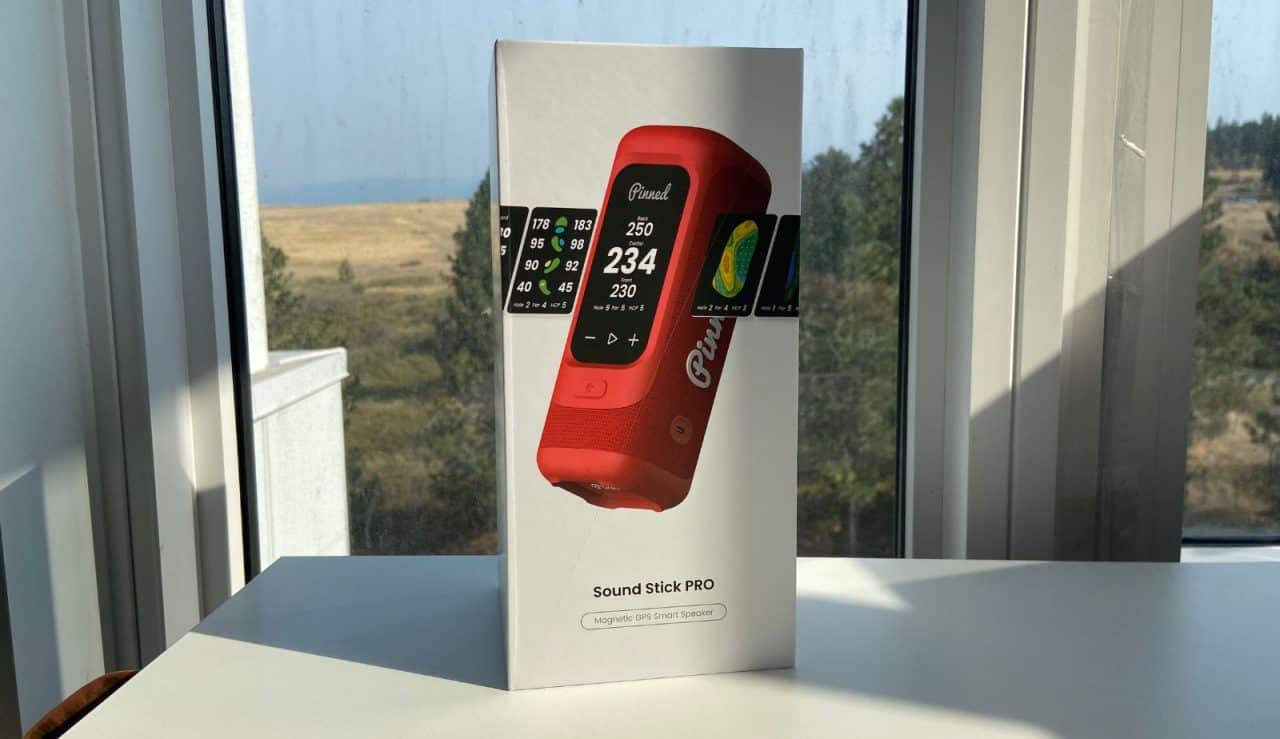
If you’re looking for a golf speaker, you want it to have two features:
- A magnet to attach to the cart
- A GPS to give you yardages
Sure, you could just use a normal speaker with a separate GPS/rangefinder, but there are devices that have both, so you might as well go that route.
The Sound Stick Pro is the second product I’ve used from Pinned Golf, the first being the Prism+ rangefinder (also the Pinned Caddie). The Prism+ is currently what I’m using, so I was looking forward to trying more of their stuff.
In the box, you’ll find:
- The speaker itself
- USB-C charging cable
- Quick start guide
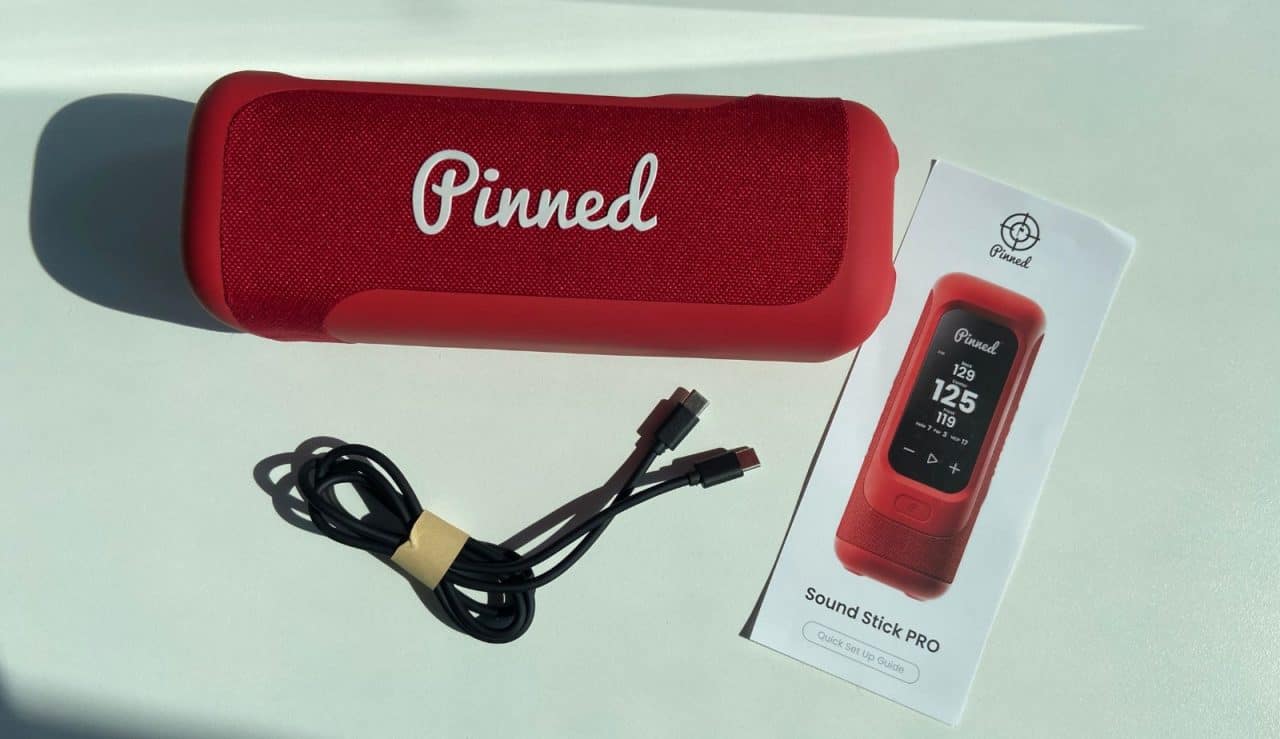
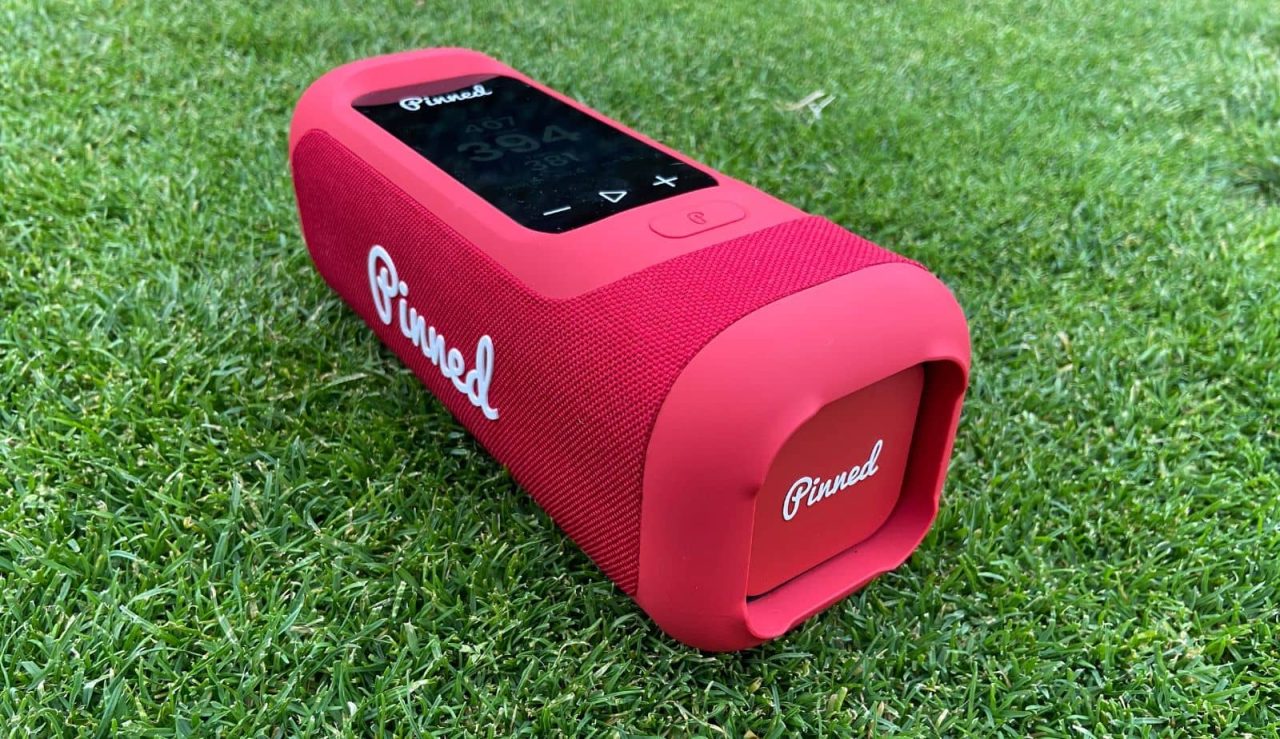
My initial feeling after picking the speaker up is that it feels and looks well-made. The waterproof rating is IPX7, which means it should be waterproof (1 meter for 30 minutes).
We’ll put both of these to the test in the next section.
I like the fact that you have a bunch of colors to pick from. I usually like neutral colors (black, grey, white, etc), but for a speaker, I think color is better. It’ll stand out more on the cart, so you don’t end up forgetting it (which I’ve done with a rangefinder).
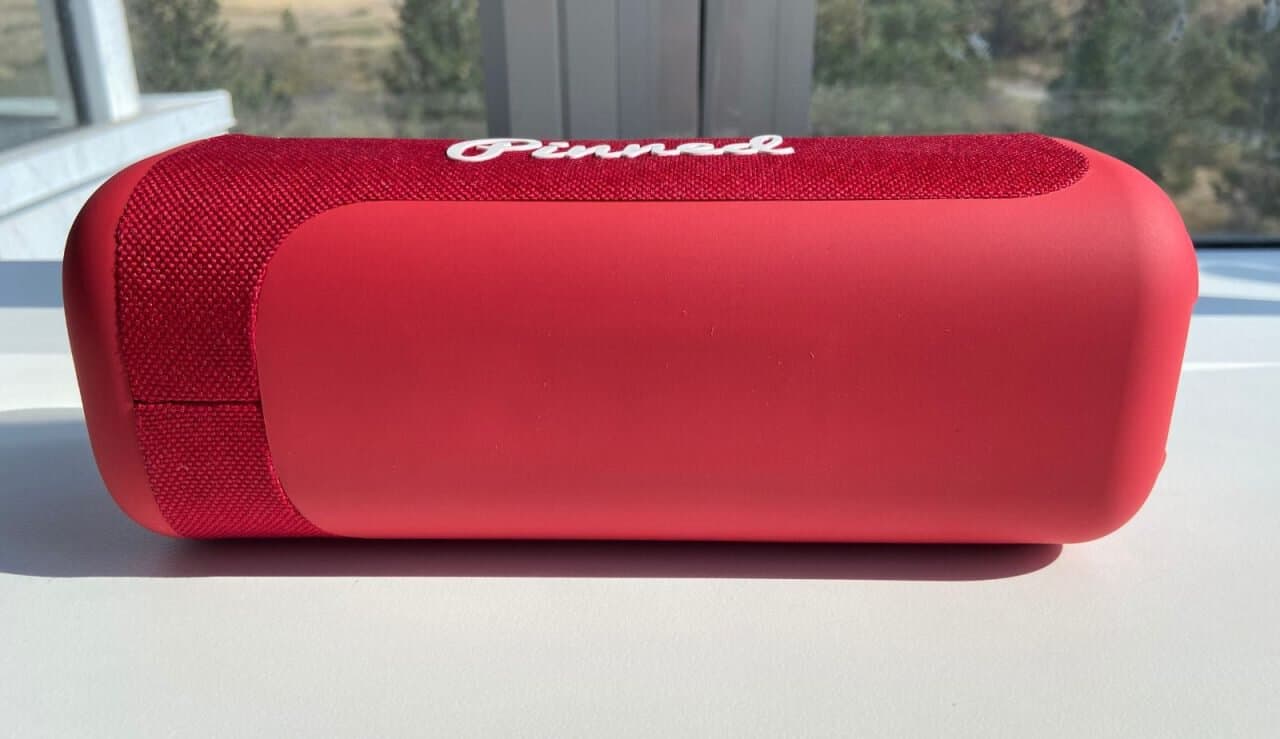
On the back, you have a magnet that runs across the majority of the device. After trying it out, I really don’t think you’ll be able to knock it off, regardless of terrain or driving ability.
Setting Up The Sound Stick Pro
Setting up the SSP is pretty straightforward and will depend on what mode you’re looking for, music or GPS.
For music, it’s just like any other speaker. Press and hold the on/off button to turn it on, go to the Bluetooth settings on your phone, and connect.
To get the GPS to work, you’ll need to download the Pinned app. After you create an account, you should see your speaker under “Devices.” Click “Connect” and it’ll pair.
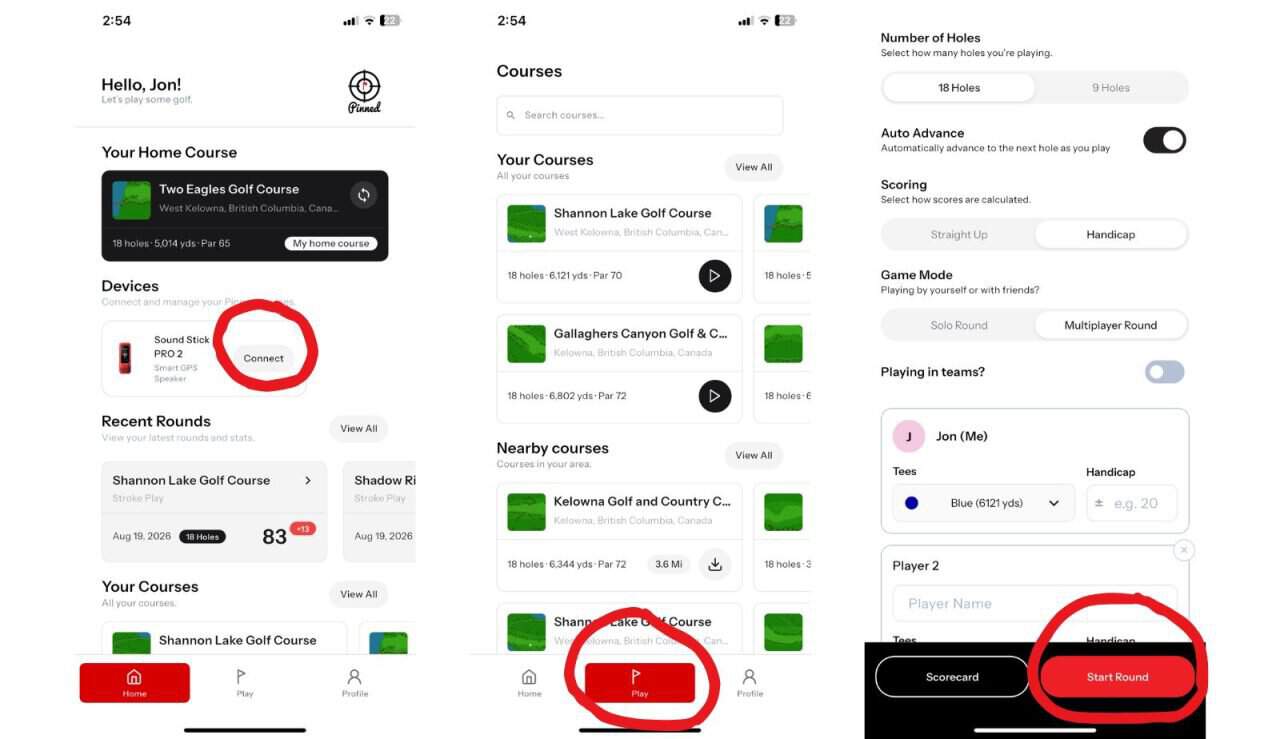
Once your phone and speaker are paired, you’ll have to click on “Play” and find your course. You can then set up your game (holes, scoring, tees, etc). Click “Start Round” and you’ll see the distances on the speaker screen.
Note: You need data on your phone to get the GPS numbers. You also need to keep the app running on your phone (battery will drain faster). Be sure these won’t cause any issues.
The Speaker
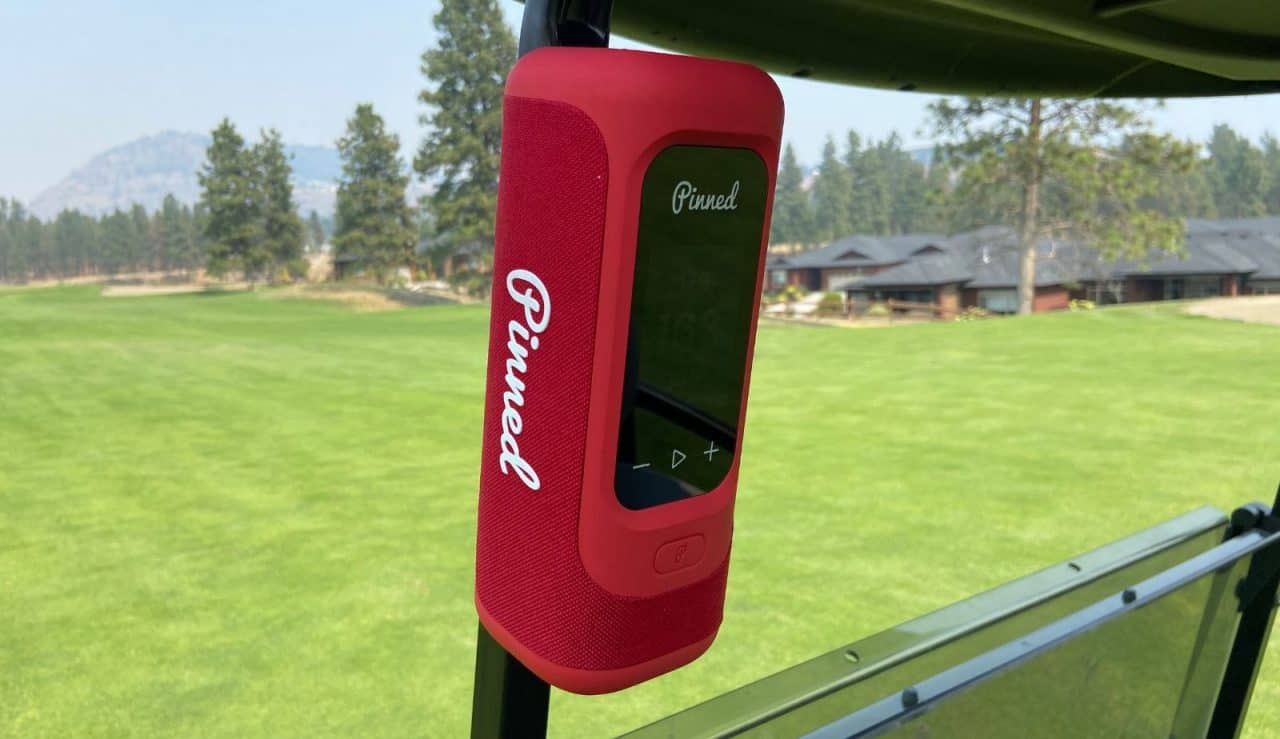
When it comes to the speaker, we want it to sound good, be durable, and have a battery that lasts long enough. If any of those three boxes aren’t checked, I don’t think it’ll be worth it.
I’ll start off with the easy one, the sound. For something its size, it’s great. I was actually a bit surprised by how well it sounds. I have a Marshall speaker that’s 4x the size and there isn’t a huge difference.
For what it is, 10/10 on sound.
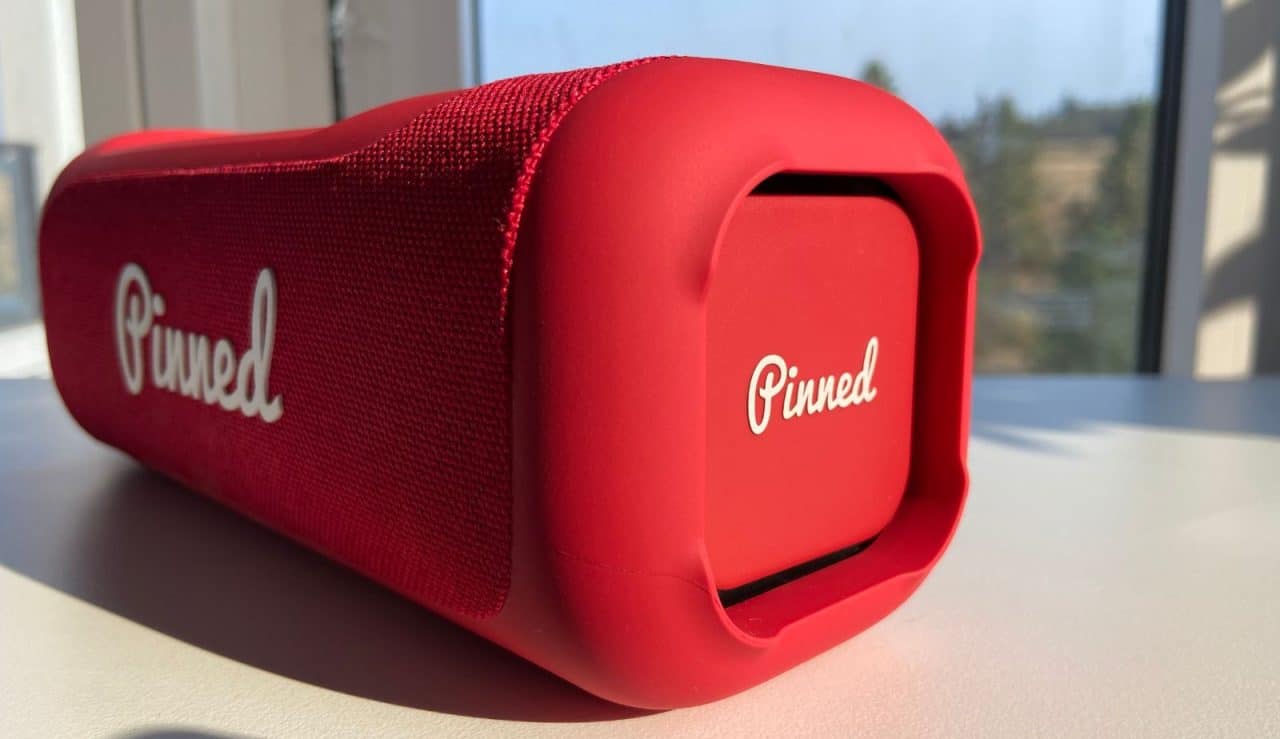
The next thing I wanted to check was the battery life. At a minimum, a golf speaker needs to last 5 hours. At 50% screen brightness, the Sound Stick Pro lasted 8 hours and 40 minutes (playing music). Turn down the brightness and you’ll be able to squeeze a bit more out of it.
Sure, longer would be better, but I think 8+ hours is perfectly fine.
Finally, let’s talk about durability. What I’m looking for here is something that’ll withstand rain and potentially being dropped.
On the course, you’ll likely run into some rain. There’s also the chance that you accidentally drop the speaker. I also plan to use the speaker off the course, so it’ll be by the pool or lake.
As much as I didn’t want to, I had to put it to the test.
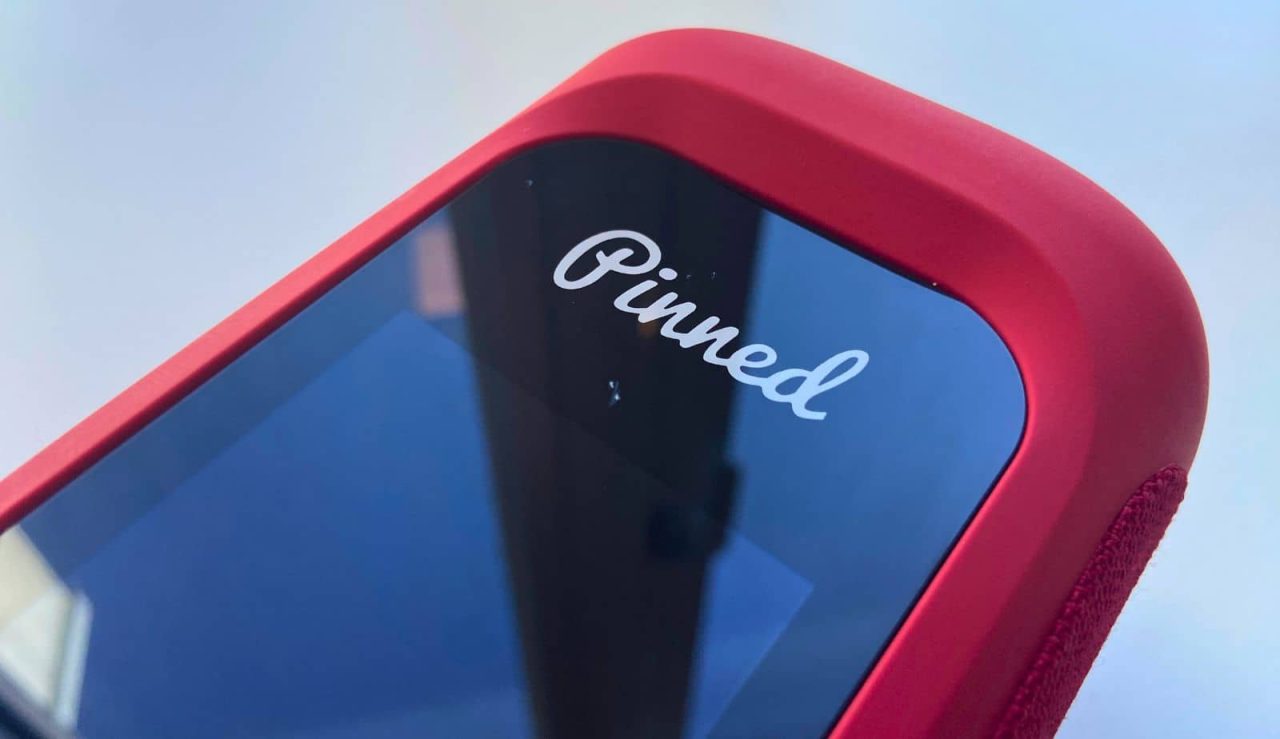
For durability, I dropped it twice on a rocky cart path, once on its end and once flat (screen side down). The screen got a few small chips but didn’t crack/shatter, which is the main thing I wanted to see.
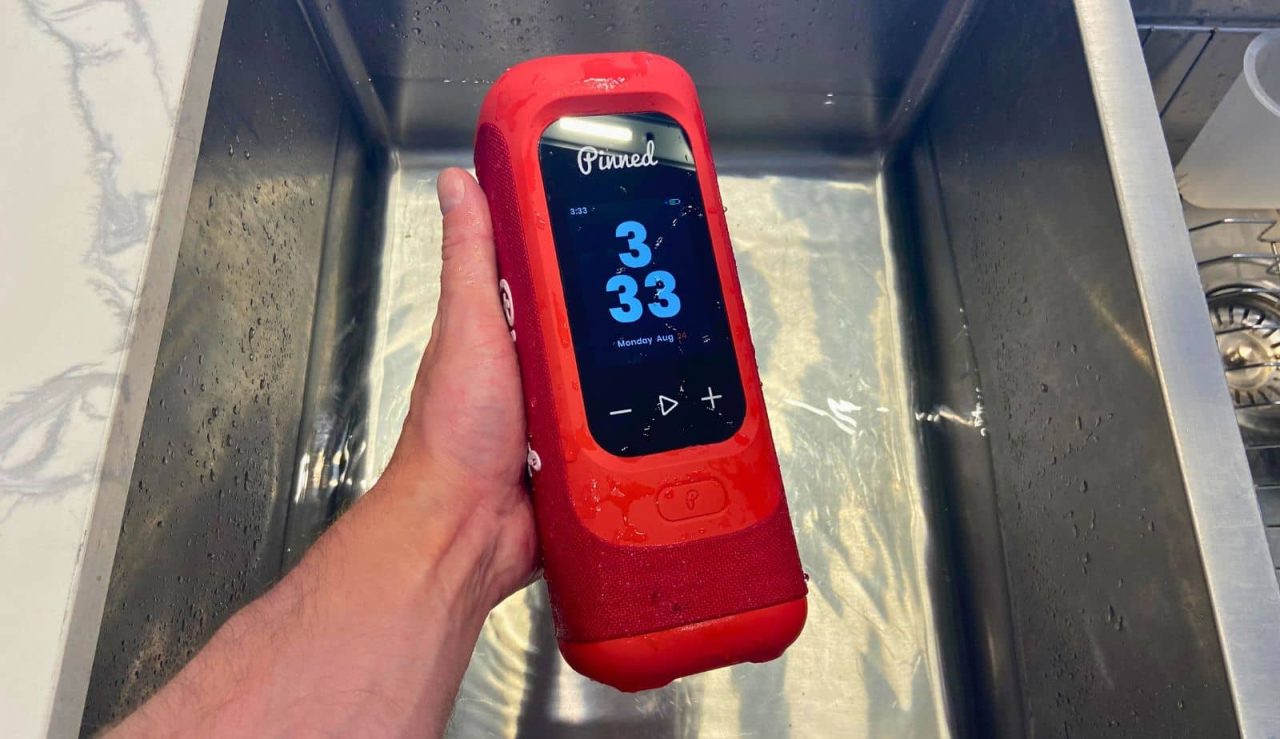
For waterproofness, I submerged it in water for 5 seconds. Again, everything works just fine.
The Free Golf Features
Unfortunately, the SSP doesn’t have all its features available for free. Out of the box, here is what’s available:
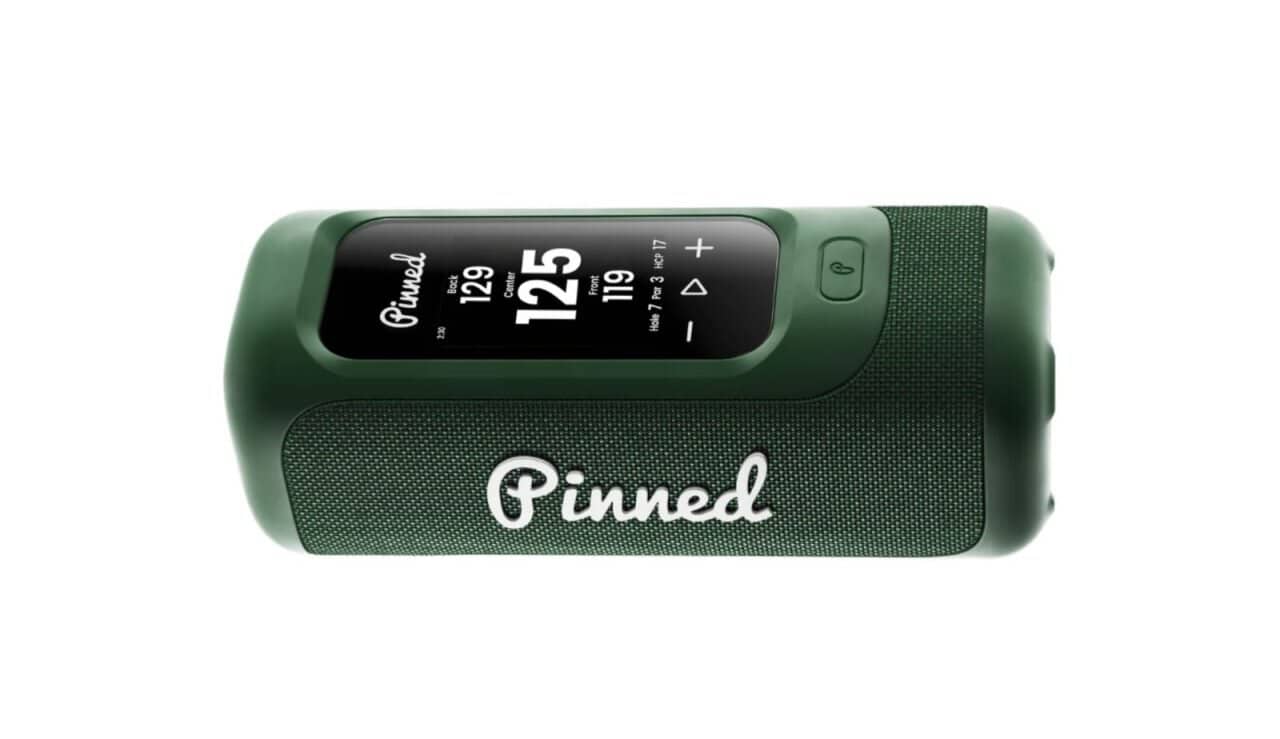
- Distance to the front, middle, and back of the green
- GPS via phone app
- Scorekeeping
I think this is probably enough for the majority of weekend players. If you want the full suite of features, it’ll be around $50 per year. As of now, it comes with 12 months free, so hopefully that continues.
Anyways, let’s go over the free features.
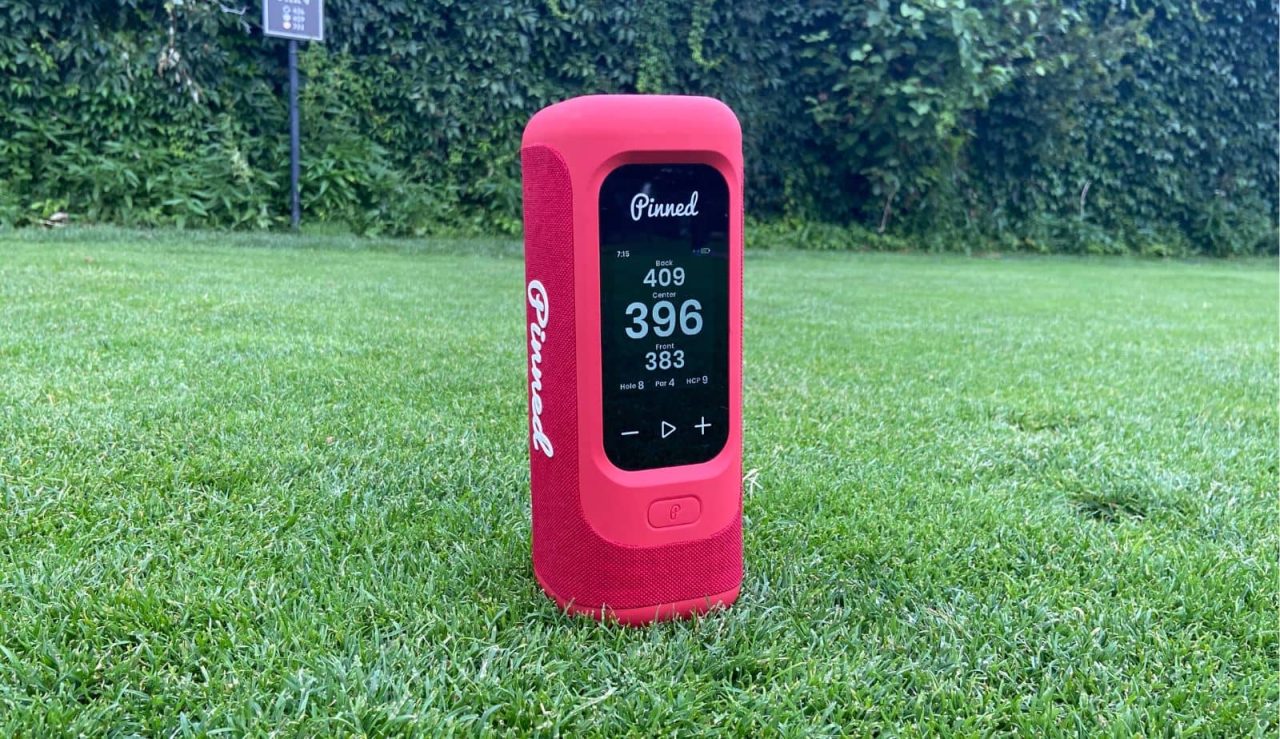
The most important thing is knowing the distance to the front, middle, and back of the green. I think having a range to hit between is much more useful than just knowing the distance to the flag, especially for high handicappers.
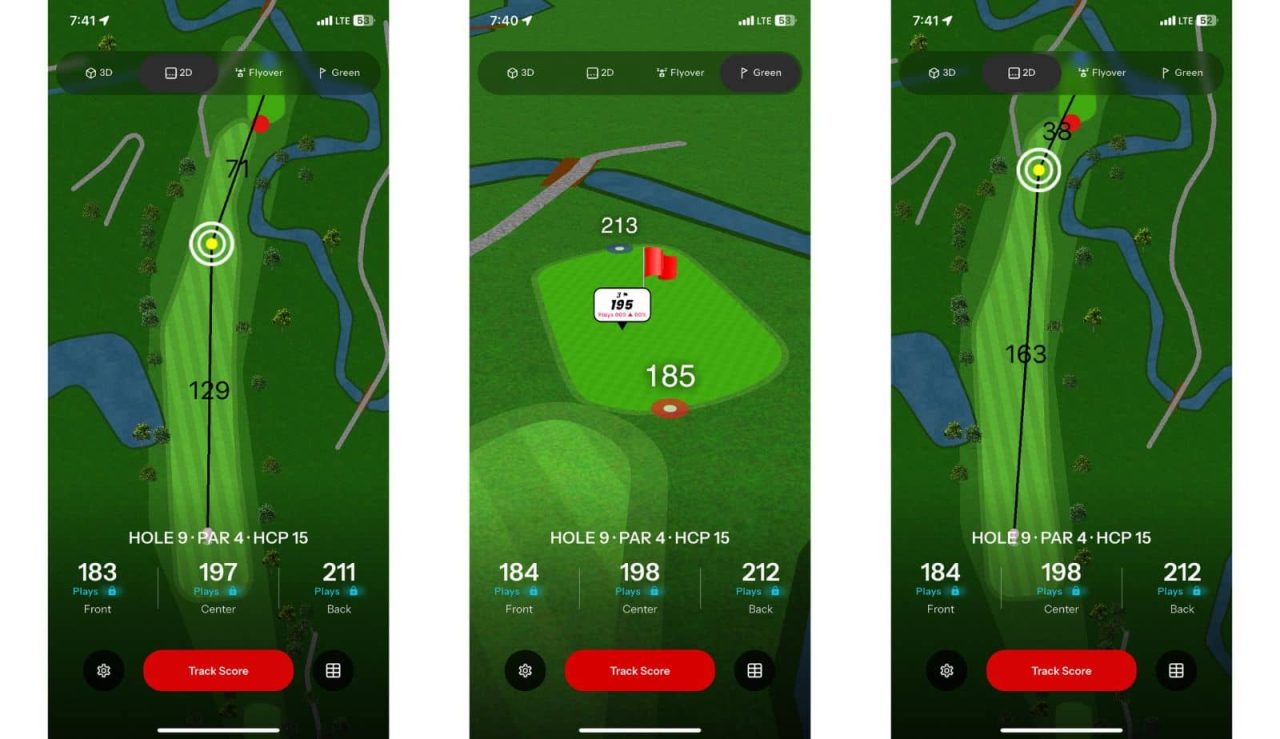
If you want the distance to a specific part of the hole, you can grab your phone, open the app, and look at the overhead map. You can click on any part of the hole and it’ll tell you how far away it is and how far that would leave to the green.
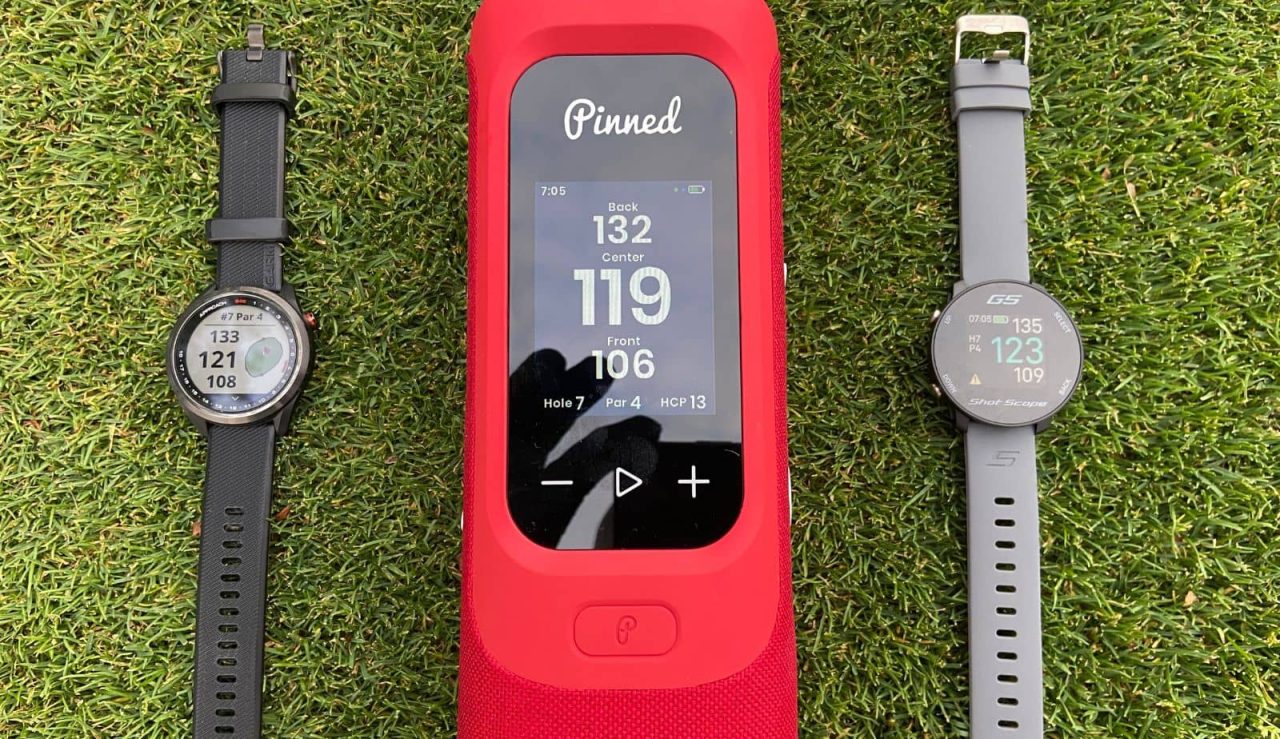
As for the accuracy of the numbers, I tested it against my Shot Scope and Garmin watches. What I came to realize is that they usually had different numbers and one wasn’t right more often than the others.
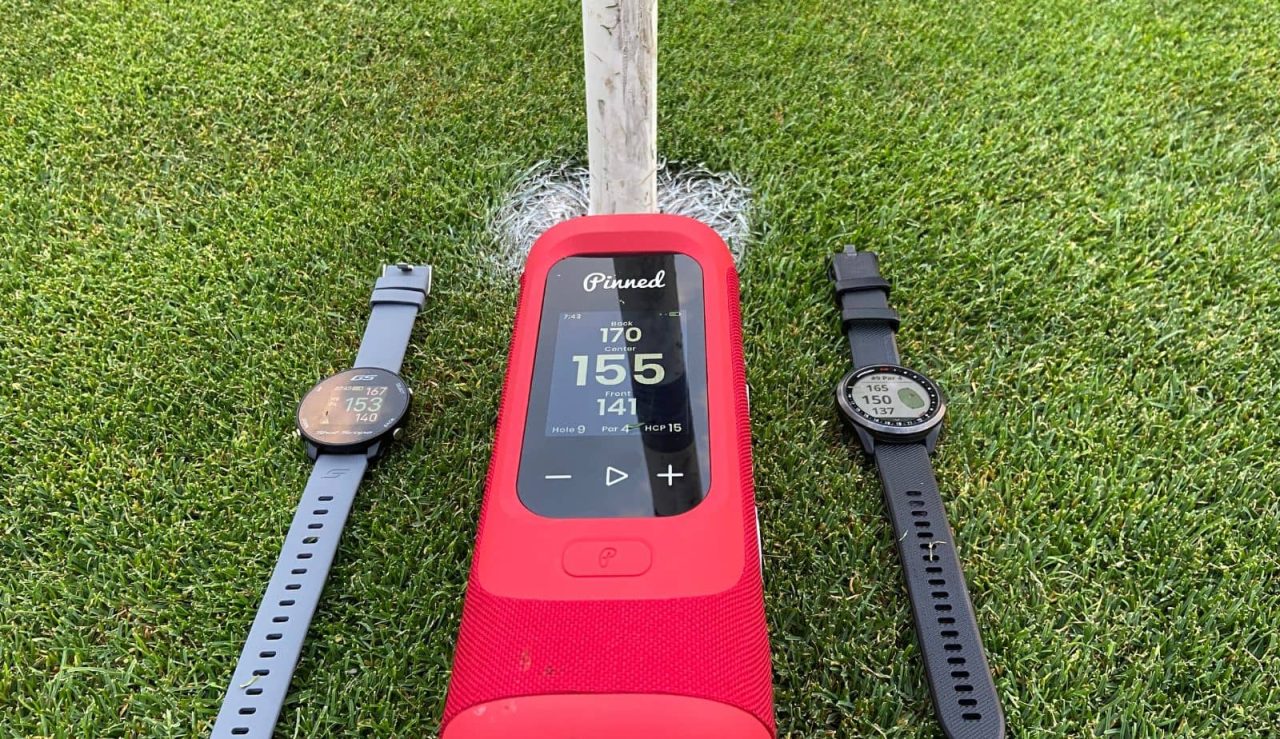
That’s kind of the downside to using GPS vs a rangefinder, especially if you need exact numbers. Sometimes two units had the same center distance but different front/back. Sometimes all three had similar center/back distances but different front distances.
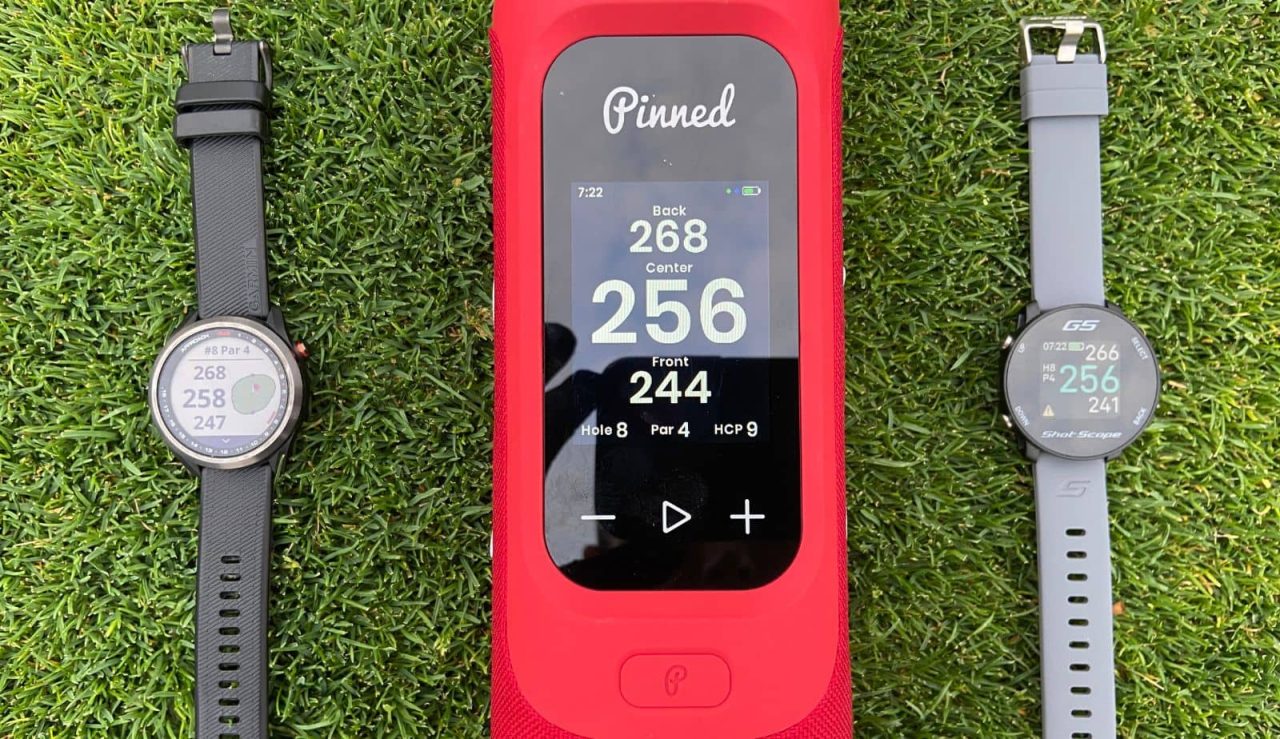
From what I’ve seen, the numbers are almost always within 6 yards of each other (shortest to longest). This shows the Pinned device is pretty similar to those other brands.
The scorecard is cool because you can do solo or multiplayer rounds (teams included). You can also add everyone’s handicap and play different games (stroke, match, stableford, etc).
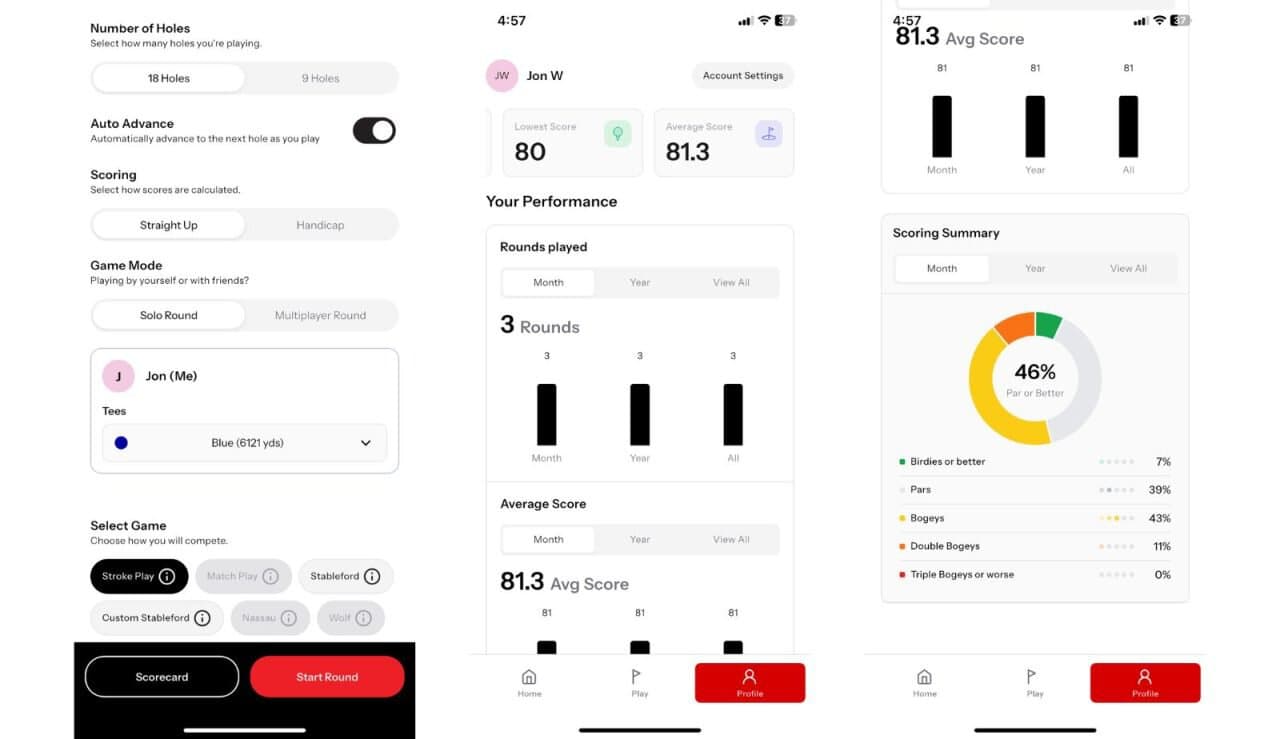
It’ll keep track of number of rounds played, lowest score, and average score. It’ll also tell you what percent of holes were birdies, par, bogey, etc.
Note: You need to input your scores on your phone. If you’re already using the app for the drag and drop GPS, it’s not a big deal. But if you’re like me, I don’t want to be on my phone when I’m playing golf.
This is probably something that can be added with a software update, but I’d love to be able to keep score using the speaker instead of my phone.
The Paid Golf Features
If you’re a bit more serious or you want more course info, you can upgrade to the Pinned Premium Membership ($50/year). It’ll give you everything in the free plan plus:
- Dynamic green view
- Hazard view
- Advanced stat metrics
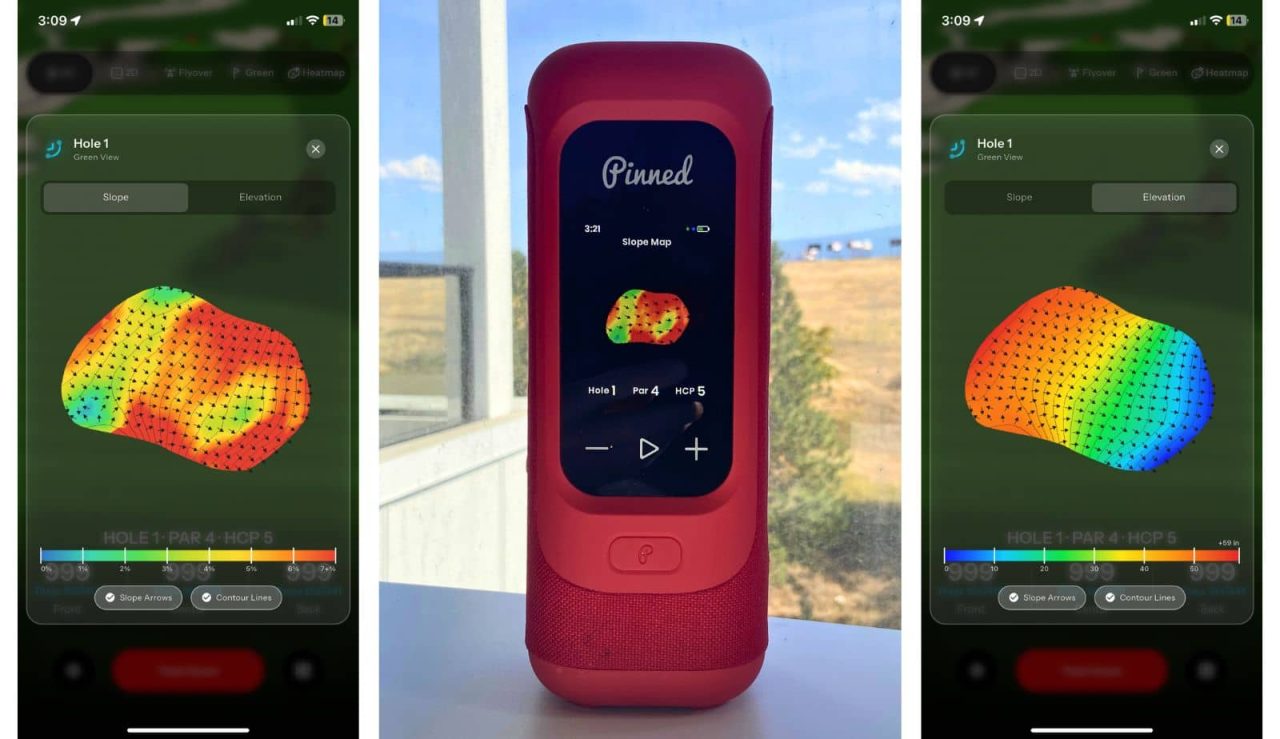
Dynamic green view will give you an overhead view of the hole with colors and arrows on it. The arrows will show you which way the green breaks. Color will tell you how steep the break is. It’s on both the speaker and the phone app.
Note: None of the courses in my area had green heat maps, so this feature was useless. I’m sure more courses will be mapped in the future, but I’d recommend checking if this is important to you.
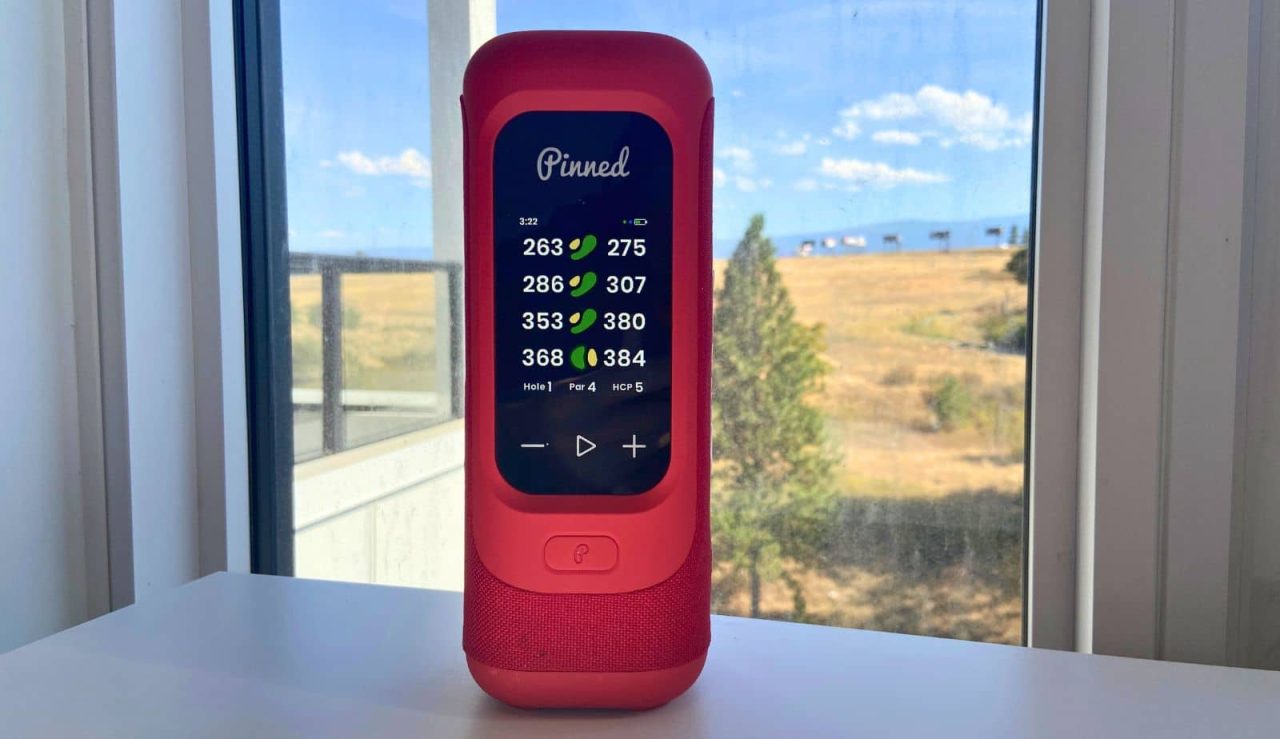
Hazard view will show you the distance to water or bunkers. It’ll show you the distance to the front and how far you need to hit to clear it. Both very important to know.
Advanced stat metrics will give you a score based on how you performed. Some examples are short game performance and scrambling. I’m not too interested in this, but some people really like to dive into the details.
Since I wouldn’t use the advanced stats and my course greens aren’t mapped, paying for premium makes no sense. I’m not going to pay just to get hazard distances, which should probably be included with the free features.
Should You Buy The Sound Stick Pro?
Having used the Sound Stick Pro for a month now, I think it’s a really cool device. I don’t think it’s right for everyone, but if you need both a speaker and GPS, it’s one you need to consider.
Is it perfect? No, there are some improvements that could be made. The good news? A lot of it can be fixed via software updates.
The speaker itself is well-built, durable, and sounds really good.
The GPS won’t always be as accurate as a laser rangefinder, but compared to brands like Garmin and Shot Scope, it’s very similar.
My main issue is that I don’t want to have to use two different devices. As of now, I still have to open my phone to input my score. I know a lot of people are like me and don’t want to use their phone on the course. Being able to input your score directly on the speaker would be awesome.
As for who should consider buying and who shouldn’t…
If you already have a GPS (watch, handheld, phone app), you don’t need something like this. The better (and cheaper) purchase might be a standard speaker without the GPS feature. An option is the standard Pinned Sound Stick.
If you already have a rangefinder, you should only consider this if you want to know the distance to the front and back of the green. I find these numbers more useful than just the distance to the pin, but if you don’t care, get a standard speaker.
If you don’t have a GPS or rangefinder, something like this is the way to go if you want to play music. I don’t know about you, but I really don’t want the hassle of carrying multiple devices with me. I like the idea of having two units in one.
Pinned Sound Stick Pro
See Amazon PriceSee Pinned PriceWe earn a commission if you click this link and make a purchase, at no additional cost to you. This does not impact our review.
To learn about some alternatives, check out one of these guides: